
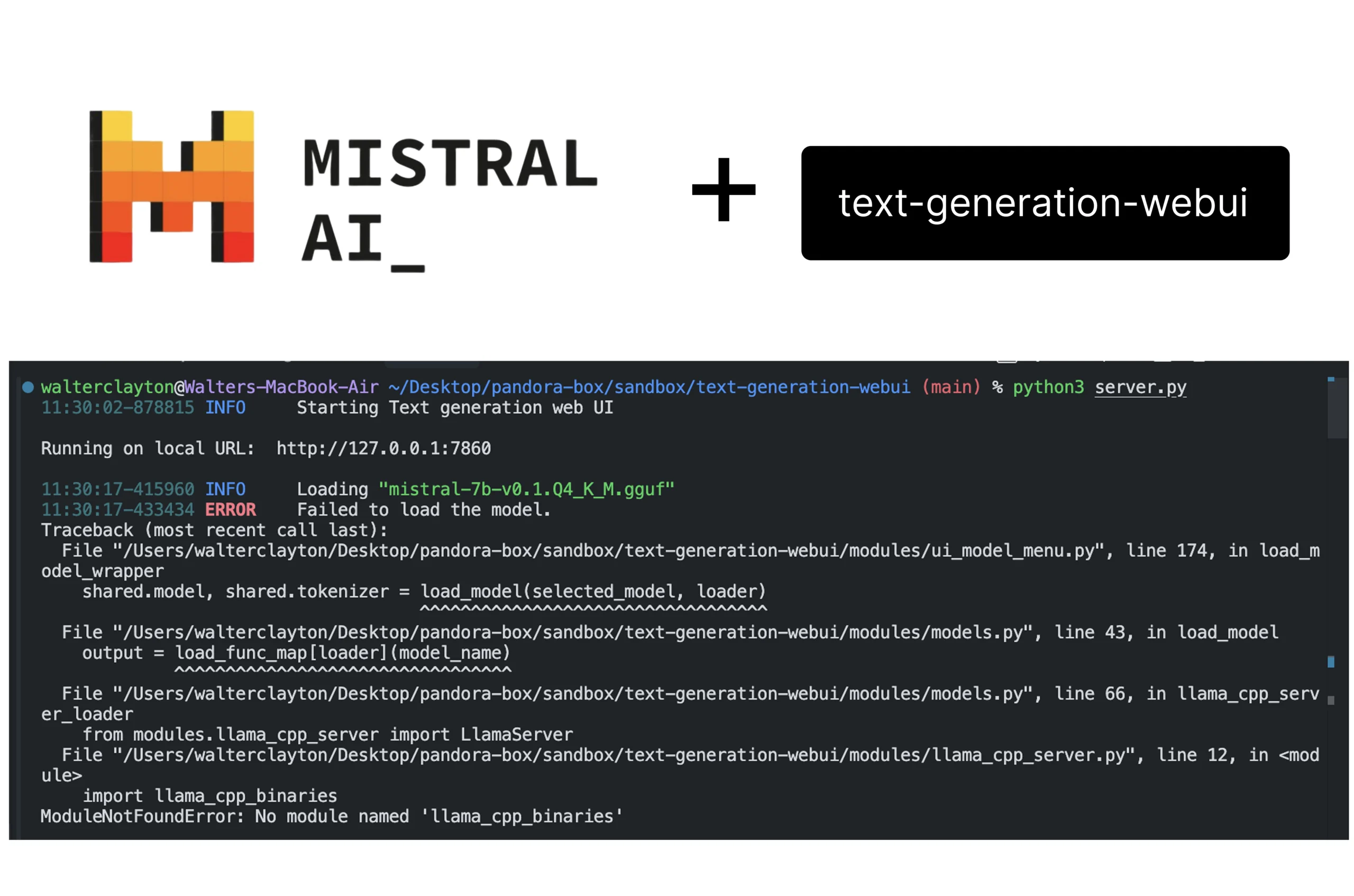
If you’re using text-generation-webui on a Mac with Apple Silicon (M1, M2, or M3), and you’re trying to run a GGUF model via the llama.cpp loader, chances are you’ve hit this error:
ModuleNotFoundError: No module named 'llama_cpp_binaries'
This bug blocked me for hours—and I’m writing this so you don’t lose your mind too.
🧠 What’s Going On?
Here’s what’s really behind the issue:
- The
llama_cpp_binariesmodule is only built for Windows and Linux. - On macOS, you’re supposed to use
llama-cpp-python, which provides native bindings for Apple Silicon. - Unfortunately, some builds of
text-generation-webuistill try to routellama.cppthrough a loader that depends onllama_cpp_binaries. That’s where things break.
✅ The Fix (Step-by-Step)
The solution is to remap the loader so it uses llama-cpp-python directly, bypassing the incompatible server-based function.
1. Open modules/models.py
Find this block:
load_func_map = {
    'llama.cpp': llama_cpp_server_loader,
    # ...
}
2. Replace It
Change it to:
load_func_map = {
    'llama.cpp': llama_cpp_loader,  # Point to a new local loader
    # ...
}
3. Add the New Loader Function
Paste this somewhere in the same file (outside any class or existing function):
def llama_cpp_loader(model_name):
    try:
        from llama_cpp import Llama
    except ImportError:
        raise ImportError("llama-cpp-python is not installed. Please install it with 'pip install llama-cpp-python'.")

    from pathlib import Path
    import modules.shared as shared
    from modules.logging_colors import logger

    path = Path(f'{shared.args.model_dir}/{model_name}')
    if path.is_file():
        model_file = path
    else:
        model_file = sorted(Path(f'{shared.args.model_dir}/{model_name}').glob('*.gguf'))[0]

    logger.info(f"llama.cpp weights detected: '{model_file}' (using llama-cpp-python)")
    try:
        model = Llama(model_path=str(model_file), n_ctx=shared.args.ctx_size, n_threads=shared.args.threads)
        return model, model  # Return model as both model and tokenizer
    except Exception as e:
        logger.error(f"Error loading the model with llama-cpp-python: {str(e)}")
        return None, None
This loader directly uses llama-cpp-python, which works natively on macOS.
4. Restart the Web UI
Once you’ve saved everything:
python3 server.py
Then reload the model in the UI like you normally would.
💡 Why This Works
- You’re using the correct backend for macOS (
llama-cpp-python). - You’re bypassing the default
llama_cpp_server_loader, which expectsllama_cpp_binaries(a Linux/Windows-only module). - The fix is native, clean, and future-proof as long as the bindings stay compatible.
💜 Final Checks
Make sure llama-cpp-python is installed and up to date:
pip install --upgrade llama-cpp-python
Still stuck? Double-check:
- The model path is correct.
- You’re using
.ggufmodels. - Your
n_ctxandn_threadsvalues inshared.argsmake sense for your machine.
🎉 Wrapping Up
This workaround finally got my GGUF model up and running on Apple Silicon using text-generation-webui. Hopefully it saves you time too.
If it helped, feel free to share it or drop a note on GitHub discussions where others might be blocked.
Happy prompting, Mac warriors.
– Walter
Leave a Reply
You must be logged in to post a comment.